Staff Answer
Jun 11, 2026 - 12:46 PM
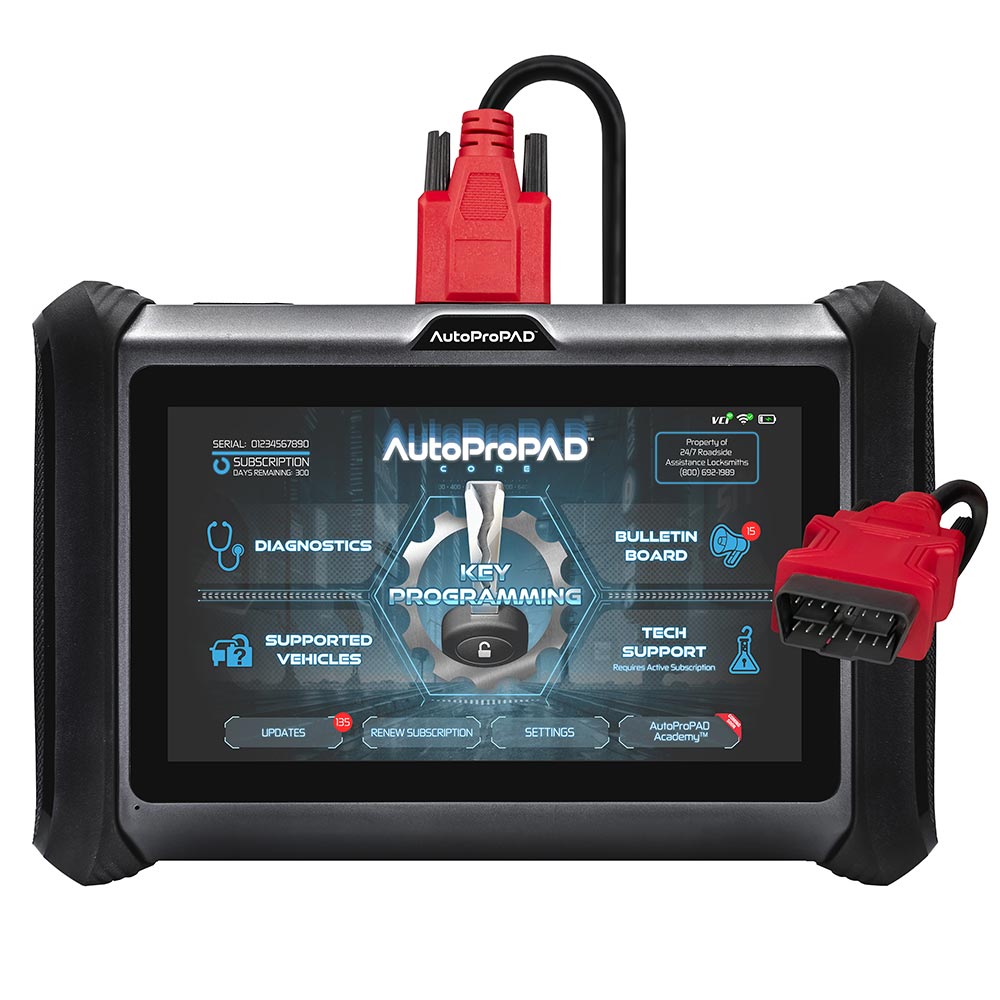
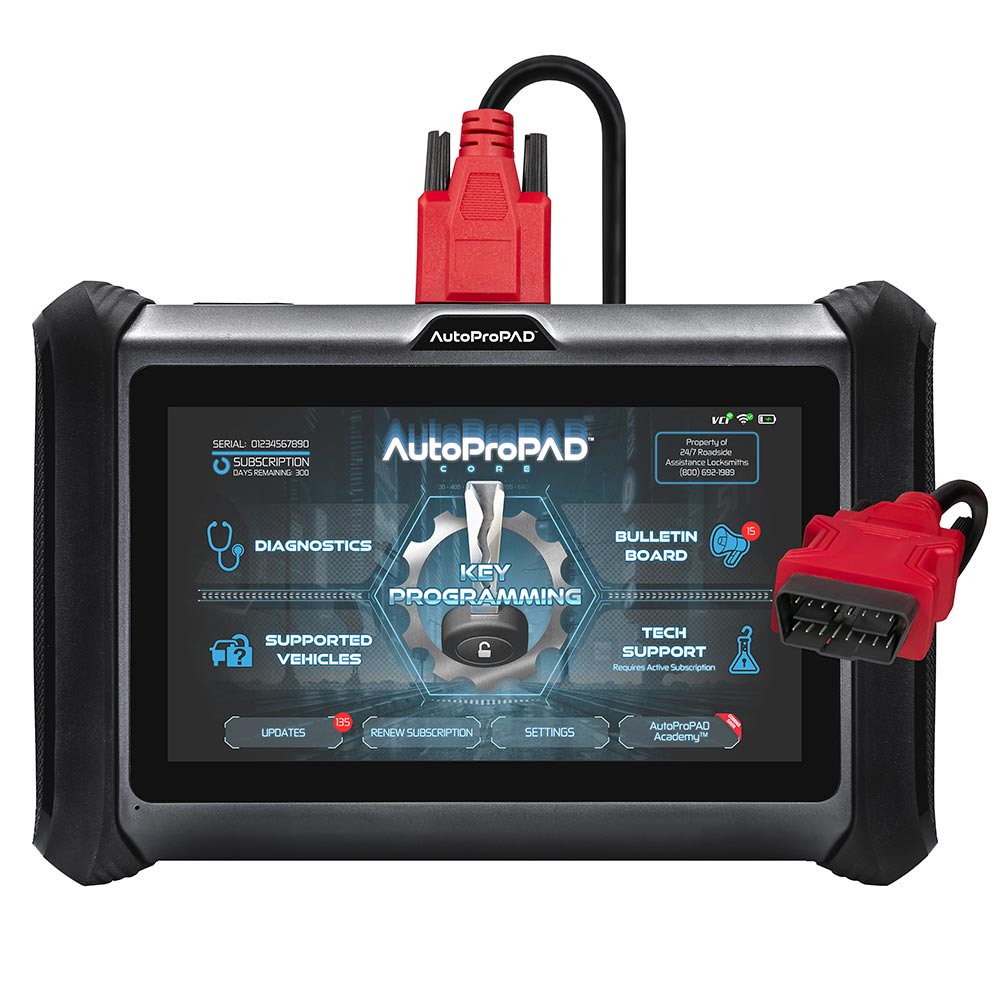
Expansion Mode is a USB setting on the AutoProPAD G3 Evolution that must be enabled before connecting the KC100, because it switches the device's USB port from data transfer over to communicating with the KC100 hardware for key pre-coding. You enable it under Settings, then USB Setting, then Expansion Mode. After pre-coding is finished, switch back to Data Transfer Mode to restore normal charging and file transfer. AutoProPAD has noted this mode switching is temporary and will be automated in a future update.