Staff Answer
Jun 11, 2026 - 01:09 PM
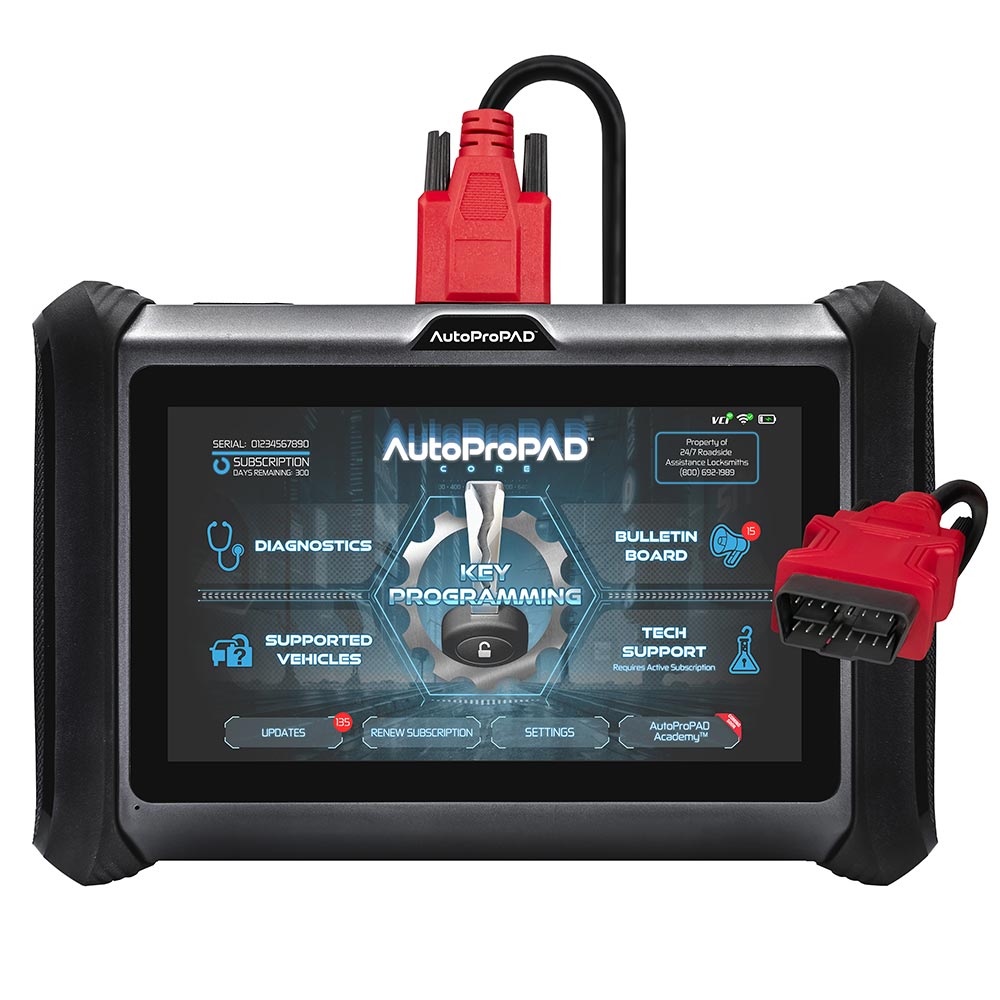
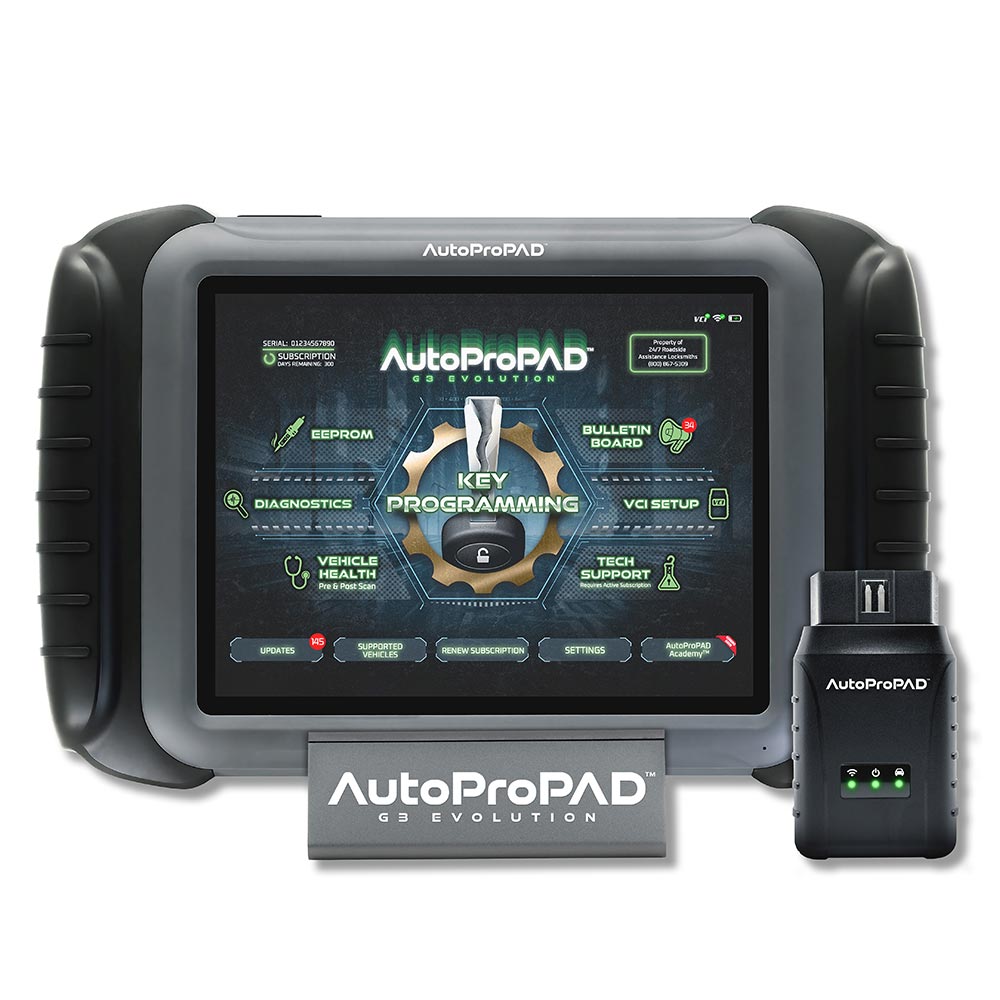
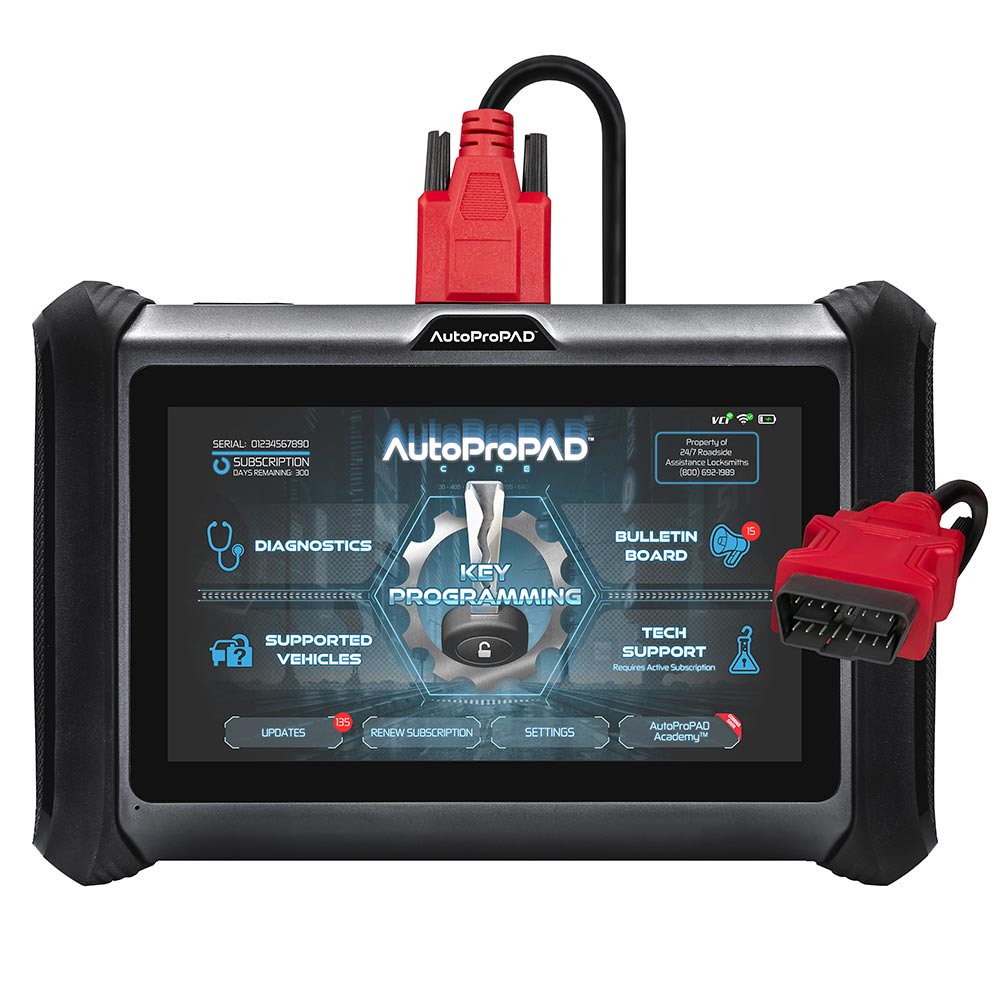
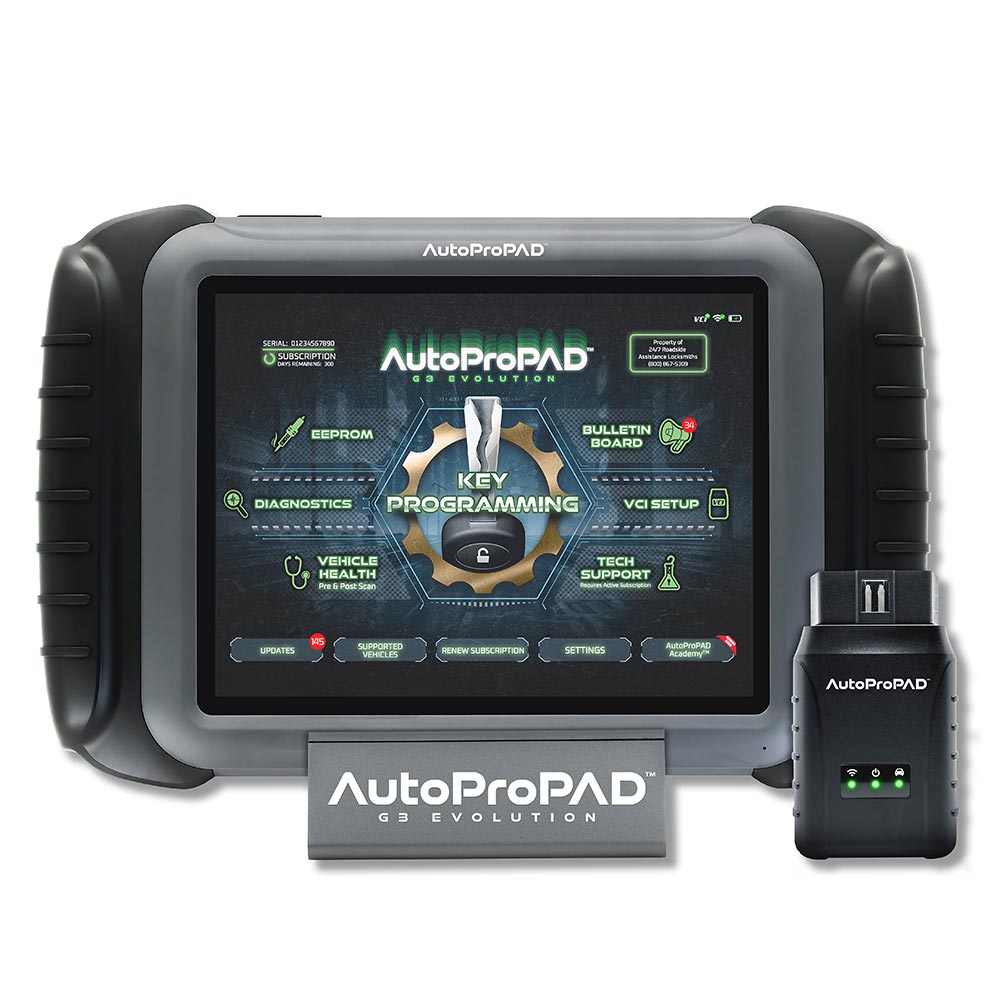
To update an AutoProPAD G3, connect the tablet to a stable Wi-Fi network, open the Updates menu from the home screen, and tap "Update All" to install the latest vehicle coverage, features, and system improvements. Updates require an active subscription and are released regularly, so it's worth checking often. Avoid powering off or disconnecting the tool mid-update, and reboot once everything shows Complete.