We’ve provided several answers to questions related to XTOOL AutoProPad G3 Core Automotive Key Programmer , see some other helpful Q&A related to this product.
-
Question: Can the AutoProPAD G3 program Mercedes-Benz or BMW?
Answer:
Per AutoProPAD, Mercedes-Benz is not supported by the AutoProPAD G3 in its current form, and they recommend formal training before taking on European vehicles. BMW is supported on early-2000s models only, and those procedures require a strong working knowledge of European automotive locksmithing to perform safely.
-
Question: Can the AutoProPAD G3 Core or Evolution program GM CAN-FD or Ford FDRS vehicles?
Answer:
No. As of now, key learning on GM CAN-FD vehicles and Ford FDRS-only vehicles can only be done with the respective dealer tools - no aftermarket programmer, including the AutoProPAD G3 Core or Evolution, currently performs these functions. AutoProPAD has stated they are working toward a solution, so this coverage may change in the future.
-
Question: How do I reach AutoProPAD G3 technical support?
Answer:
Live AutoProPAD technical support is provided by US-based locksmiths who actively work in the field, and is available to AutoProPAD G3 users with an active subscription. You can reach Technical Support at (888) 988-6865, Monday-Friday 8:30am-5:00pm PST - it helps to be with the vehicle when you call and to have your serial number ready. You can also submit a request at https://www.llwrc.com/tech-support/ or learn more at https://www.autopropad.com/techsupport.
-
Question: Can I change the language or units on the AutoProPAD G3?
Answer:
Yes. The AutoProPAD G3 Core and G3 Evolution both let you change the interface language - English, Spanish, and French - and switch between metric and imperial units from the Settings menu, along with screen brightness, volume, and Wi-Fi.
-
Question: Should I buy the AutoProPAD G3 Core or the AutoProPAD G3 Evolution?
Answer:
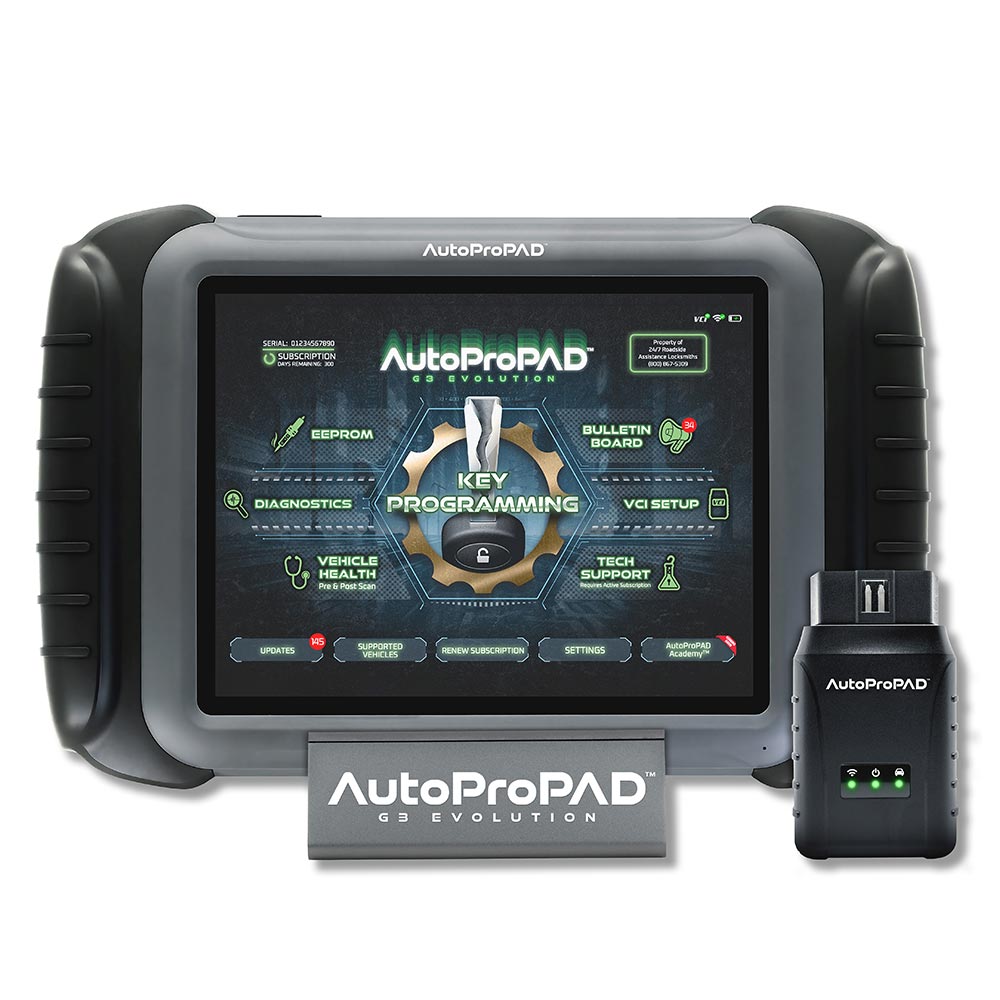
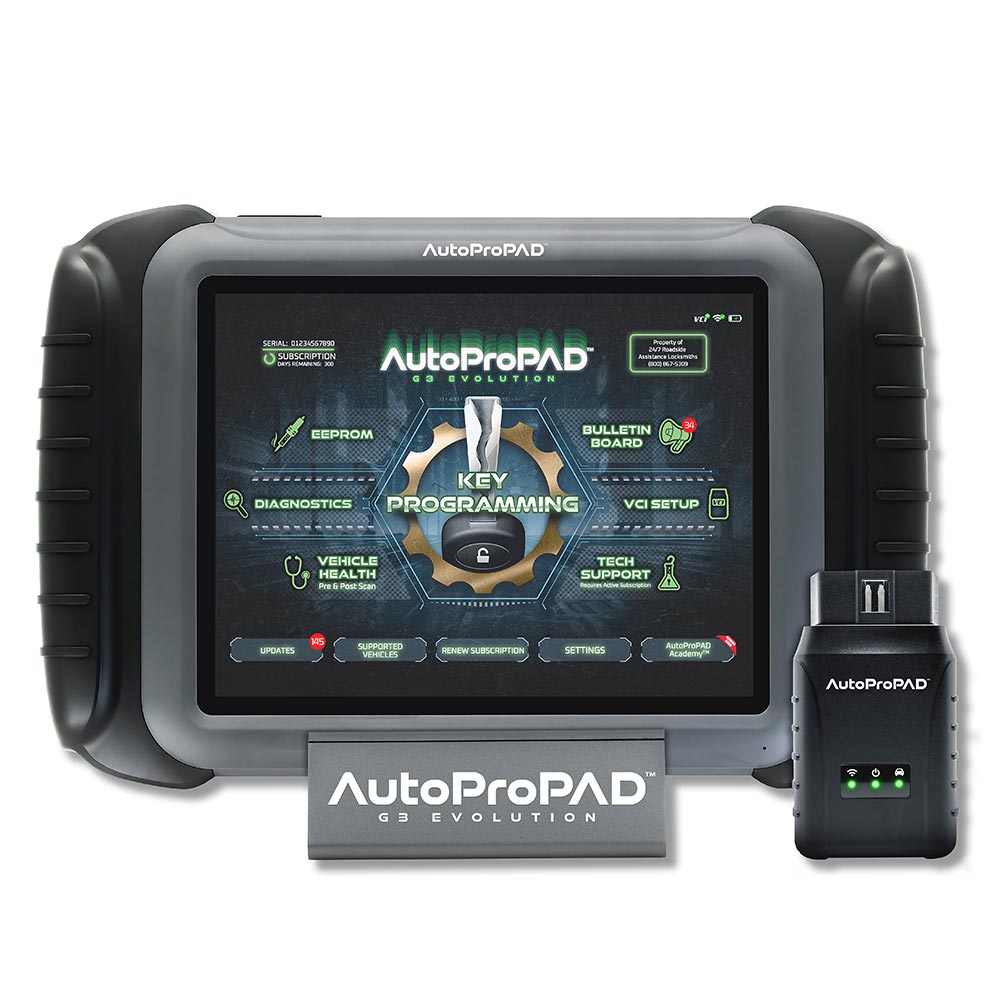
The AutoProPAD G3 Core and G3 Evolution share the same Smart Assist guidance and the same simplified interface, so either is approachable for newer programmers. The Core is the more budget-friendly, focused choice if your work is mostly straightforward OBD-II key and remote jobs. The Evolution adds EEPROM-only vehicle support, key pre-coding with the KC100, and full diagnostics, giving you more room to expand without needing a second tool later.
-
Question: Can the AutoProPAD G3 Evolution pull a Chrysler Pacifica PIN?
Answer:
Yes. The AutoProPAD G3 Evolution can read the PIN code from the SKREEM module on the 2004-2008 Chrysler Pacifica through its included EEPROM hardware. This PIN pull is a required step before the vehicle will accept any new keys.
-
Question: What EEPROM capabilities does the AutoProPAD G3 Evolution have?
Answer:
The AutoProPAD G3 Evolution includes a bench EEPROM module for SOIC8 and DIP8 chips, letting you read and write immobilizer data directly when OBD-II programming isn't an option - for example, after an ECU or immobilizer module replacement. The EEPROM menu includes functions like read PIN code, MCU access, data initialization, immobilizer data repair/write, and mileage adjustment. Common use cases include Honda, Acura, Toyota, and Lexus vehicles from roughly 1997-2007 with no OBD-II path to the immobilizer, and pulling the PIN from the SKREEM module on the Chrysler Pacifica (2004-2008).
-
Question: Is the AutoProPAD G3 Core wired or wireless?
Answer:
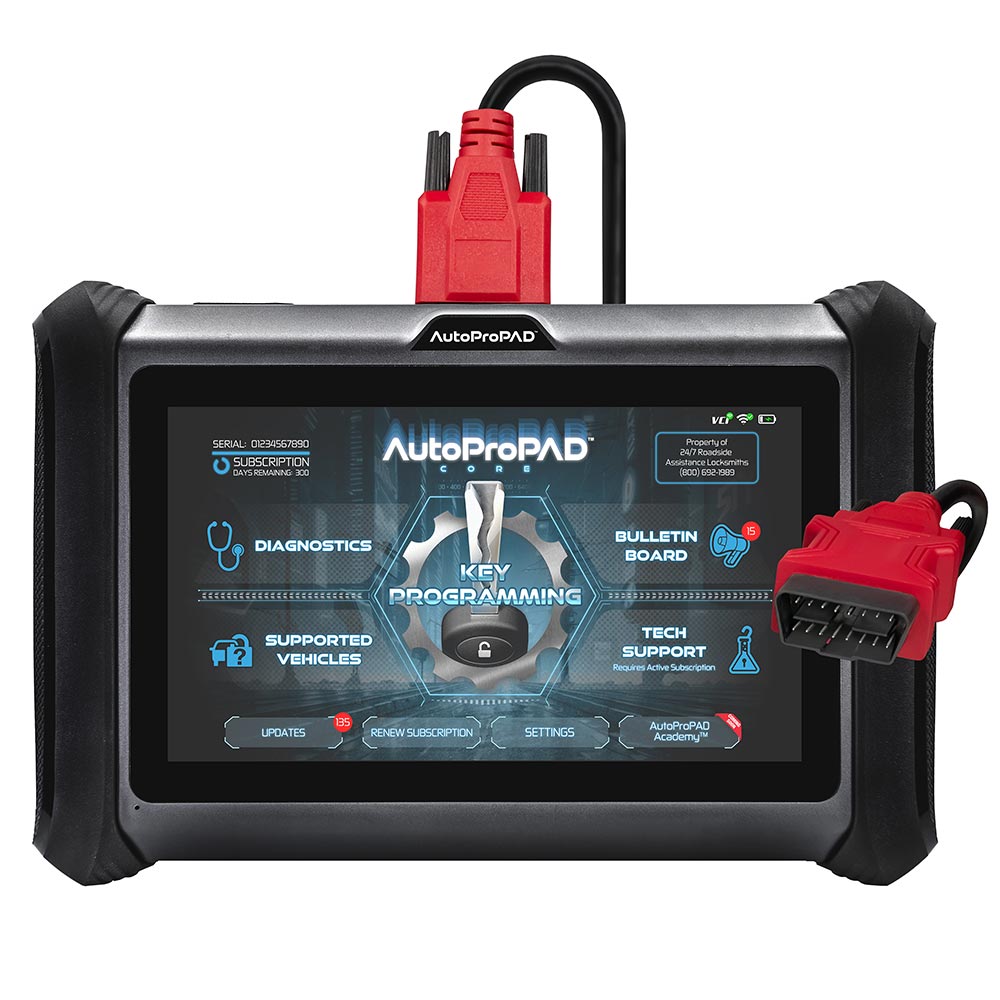
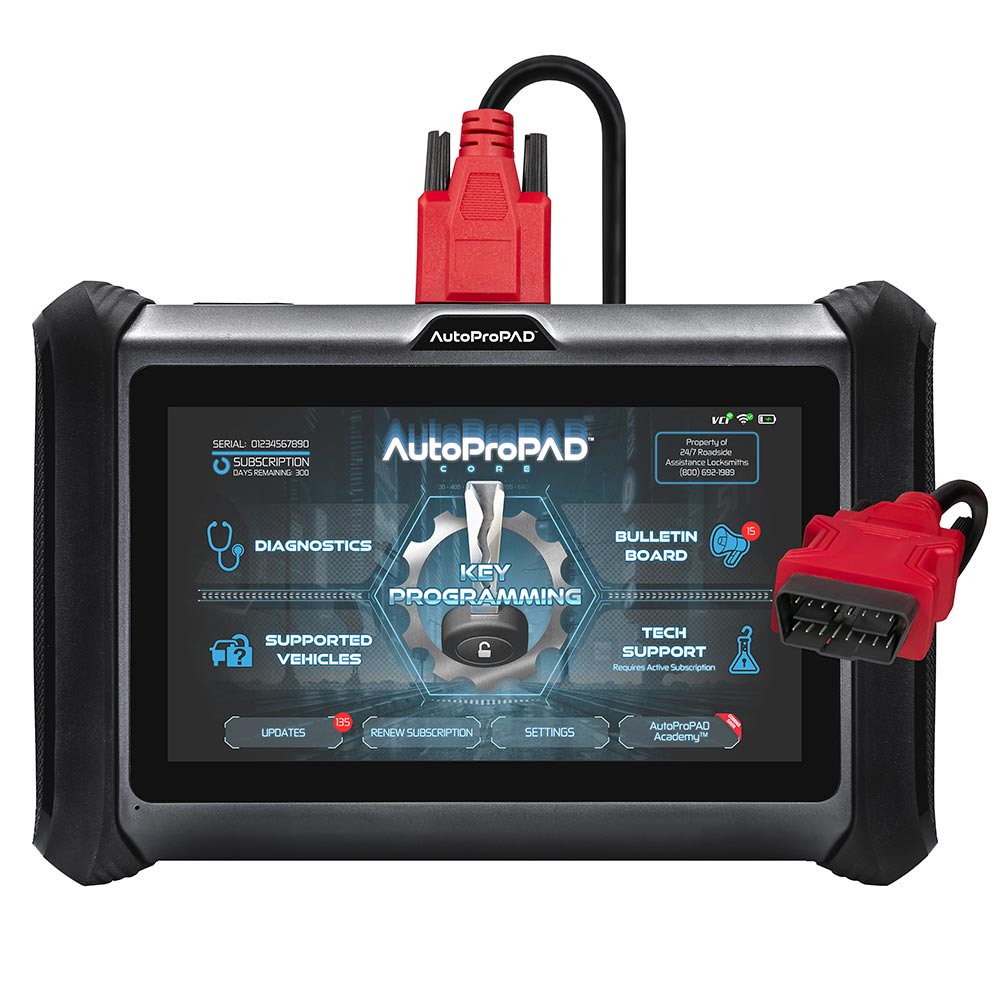
The AutoProPAD G3 Core is wired. It connects to the vehicle through a hardwired VGA-to-OBDII-16 main cable that plugs into the tablet's HD15 port and into the vehicle's OBD-II port. There is no wireless VCI on the Core; the compact Wi-Fi VCI that lets you work away from the vehicle is a feature of the higher-tier AutoProPAD G3 Evolution.