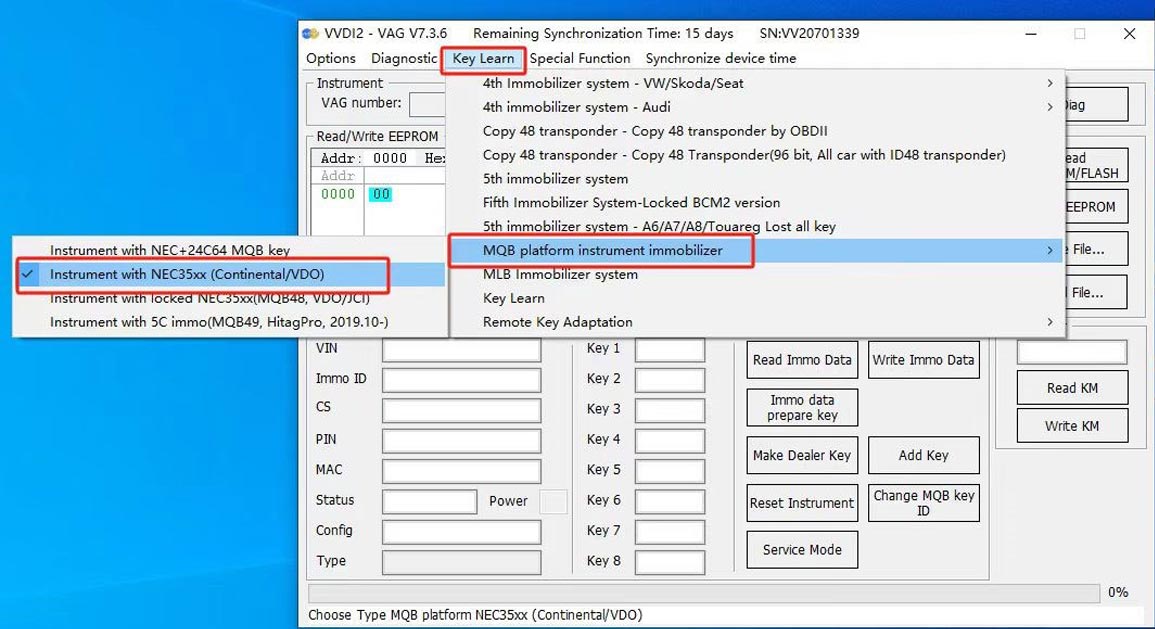
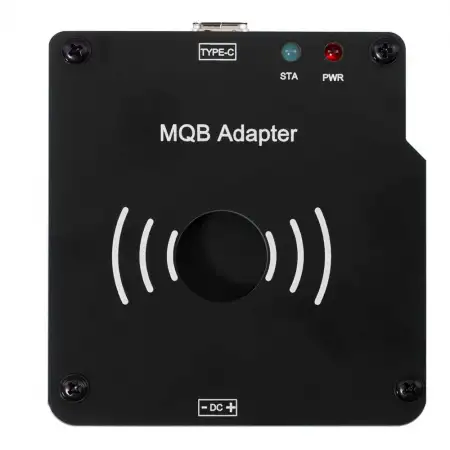
Xhorse XDMQBAGL MQB48 Adapters for VVDI MLB Tool GL Version (No Tokens Required)


 Notify me when available

Xhorse / Adapters & Cables
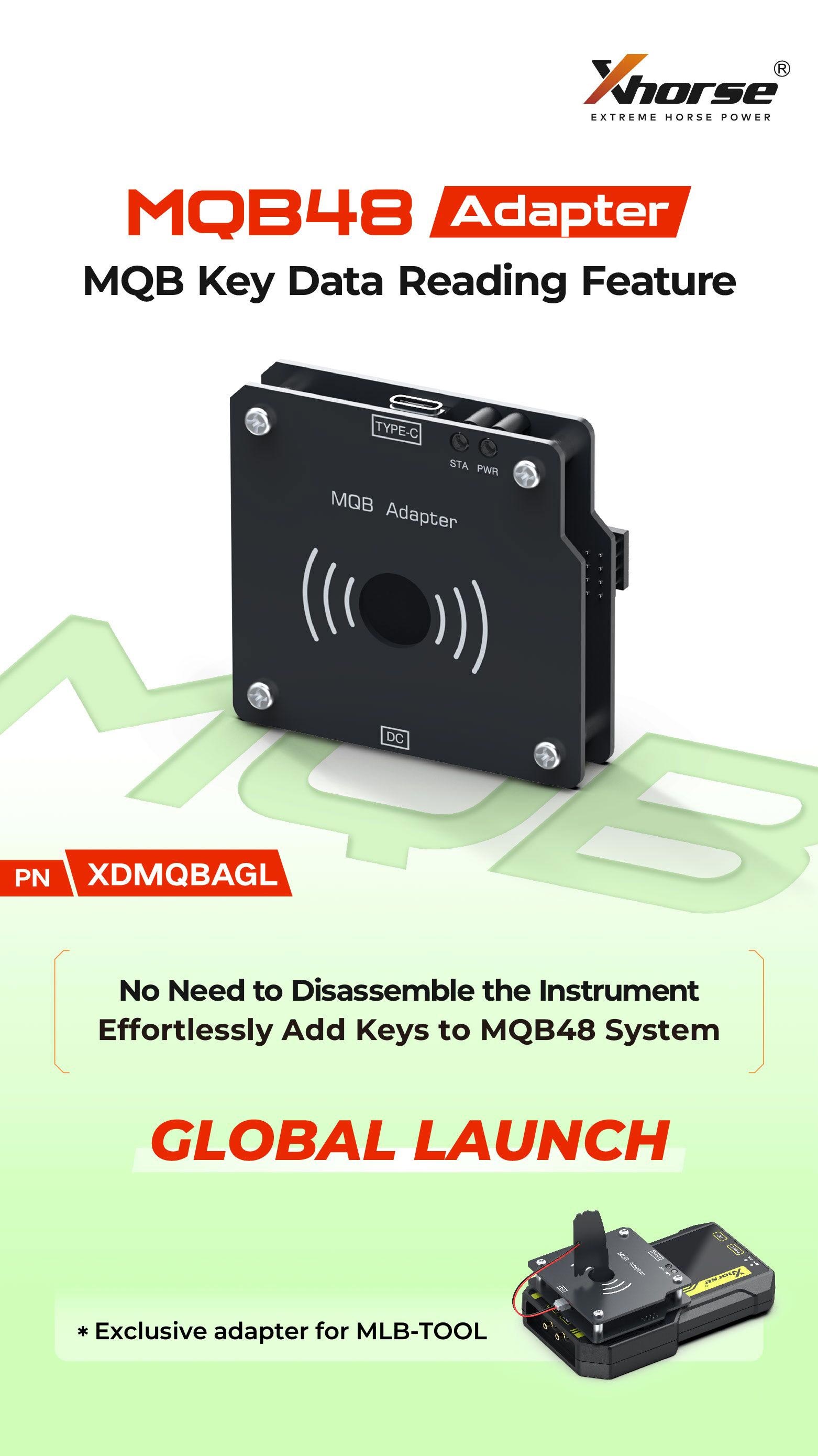
Xhorse MLB MQB48 Solder-Free Adapter – Compatible with MLB Tool for KTP / VVDI2
Key Features:
- No need to remove the instrument cluster. Simply remove the key and solder two wires.
- Lower risk and simple operation for easier key data reading.
- With the VVDI MLB Tool, most MQB48 key additions can be completed quickly and efficiently.
- Compatible with VVDI Key Tool Plus (KTP) and VVDI2 with the MQB48 function enabled.
- Designed to simplify MQB48 key data reading and programming.
Software Update – 07 Jan 2025 (VVDI MLB Tool):
- Added MQB48 NEC35XX immobilizer data collection
MLB Main Unit Upgrade Chip:
This chip is used to replace the original chip in the MLB main unit.
After replacement, it will work with the information collector. Discared the original chip; no need to retain it.
- Operate Steps:
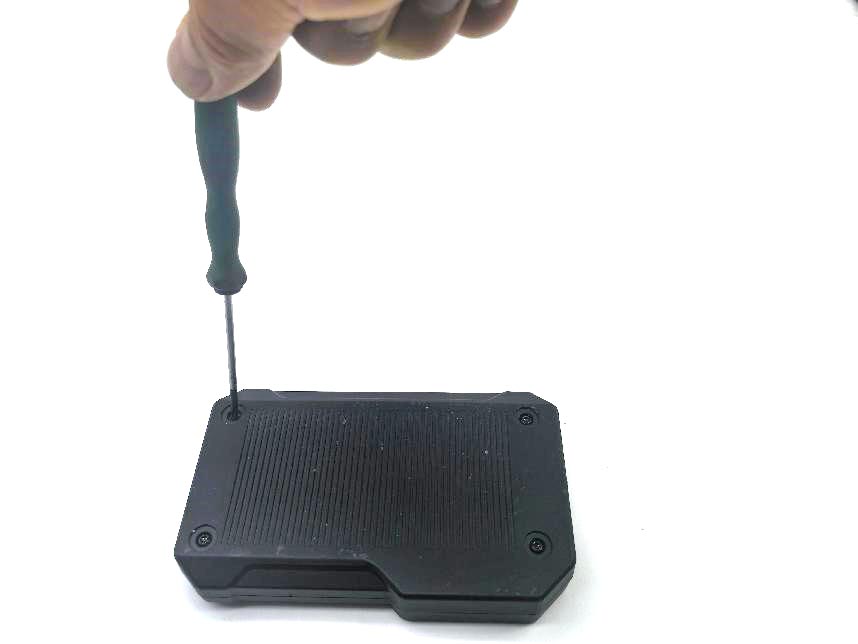
Disassemble the MLB main unit byu removing the four case screws
2- Remove the two screws on the circuit board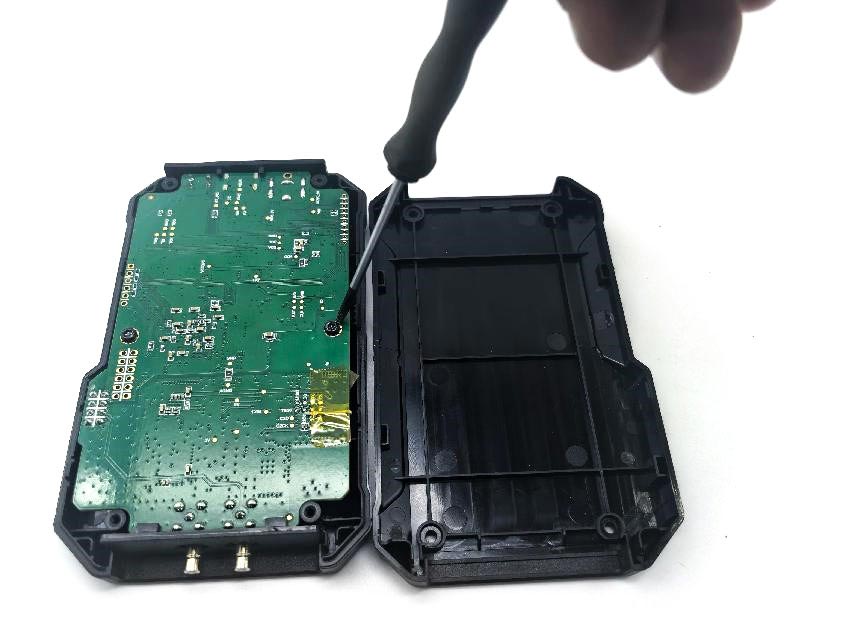
3- Replace the chip on the circuit board
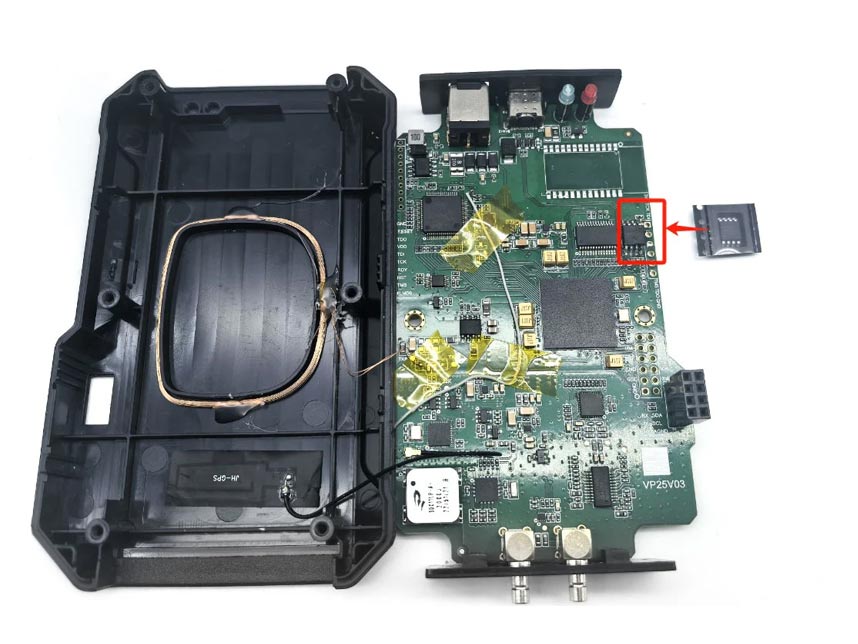
4). Reassemble the device.
- Usage Instructions
Key Information Collector:
Must be used with the MLB main unit; it cannot operate independently.
Connecting Cable:
Connect the adapter to the key.
Follow the software instructions to remove the capacitor from the key and solder the connecting cable to the key.
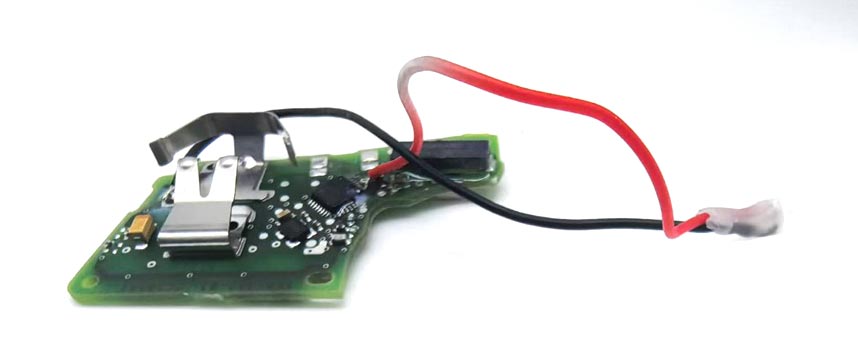
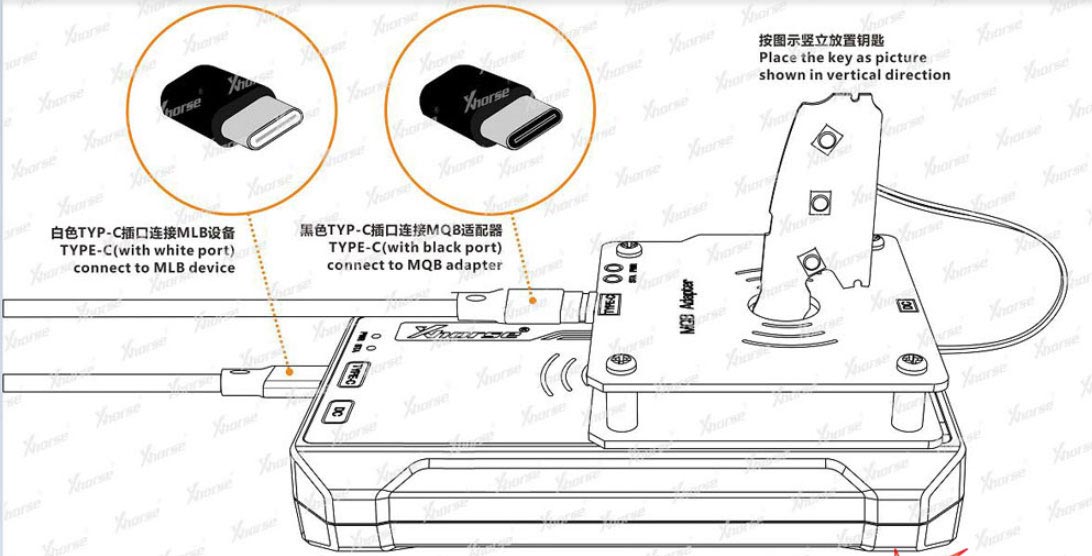
Connect connection method for MLB Main Unit and MQB4B Key Collector:
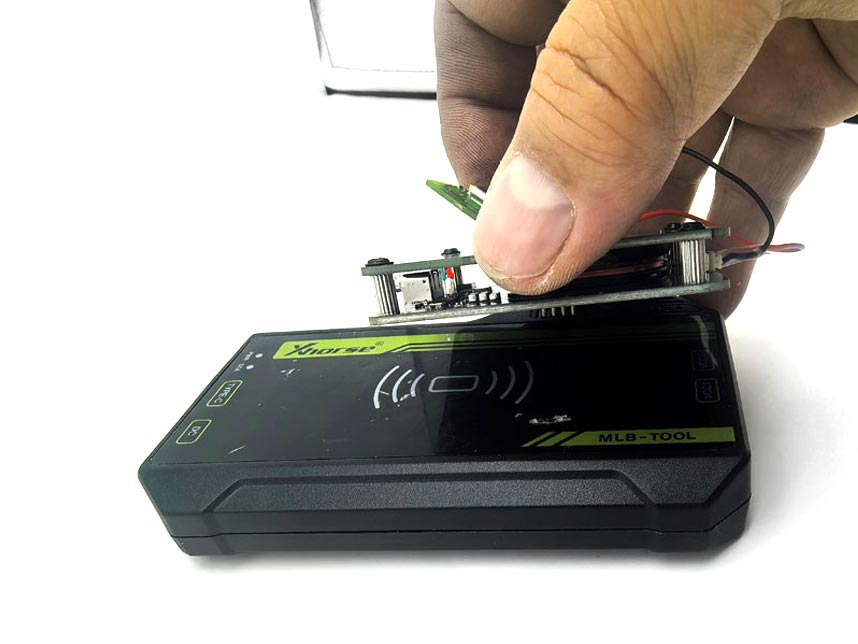
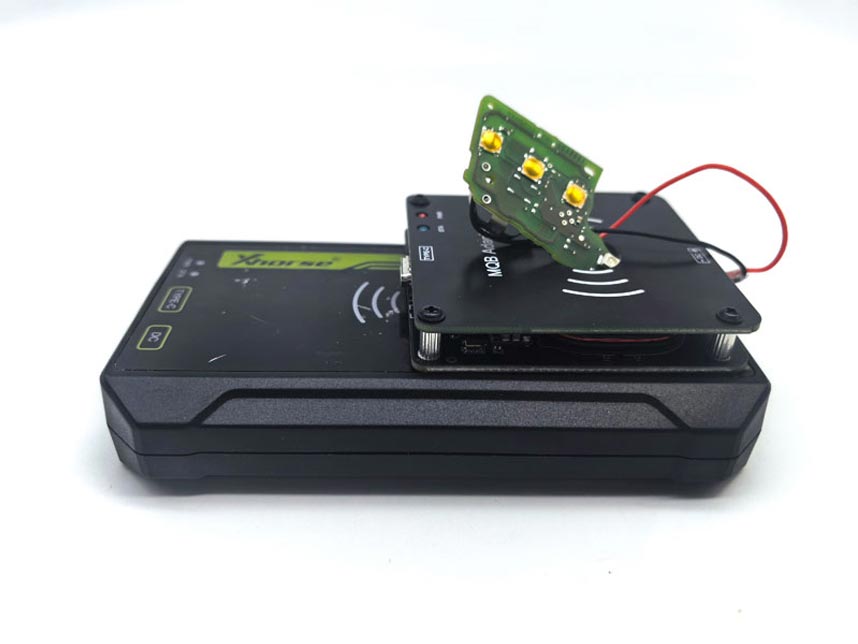
Important Notes:
The MQB48 adapter has strict power supply requirements during data collection.
Use two separate USB cables to power the MLB main unit and the MQB48 collector. Do not use charging adapters.
The MLB main unit does not require 12V power.
Data Collection Time:
Good power supply: ~15 minutes for data collection, ~1 minute for immobilizer data calculation.
Average power supply: ~30–60 minutes for data collection, ~1 minute for calculation.
MLB MQB Adapter Connecting to a PC:
Use two USB cables.
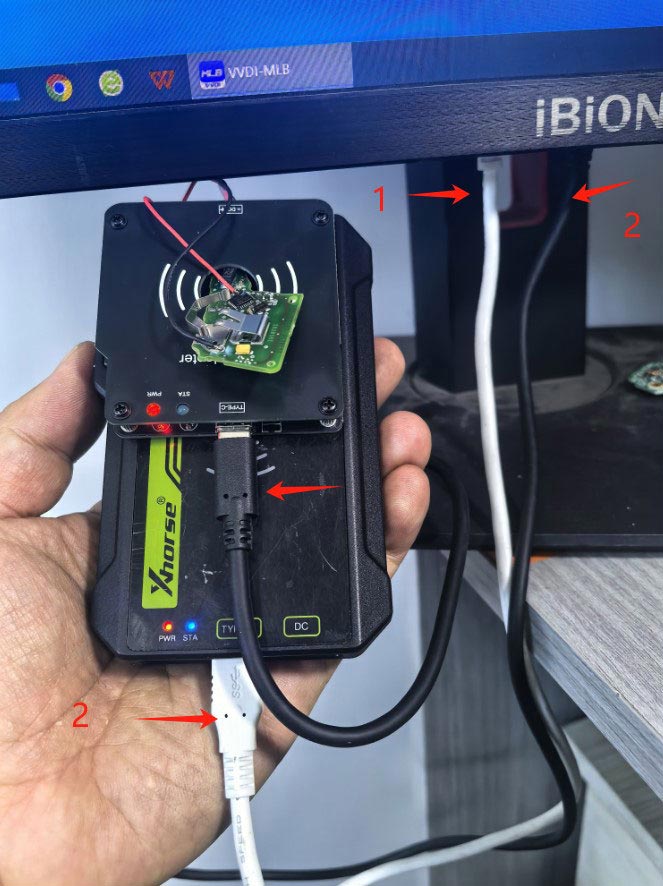
Connecting to a Tablet: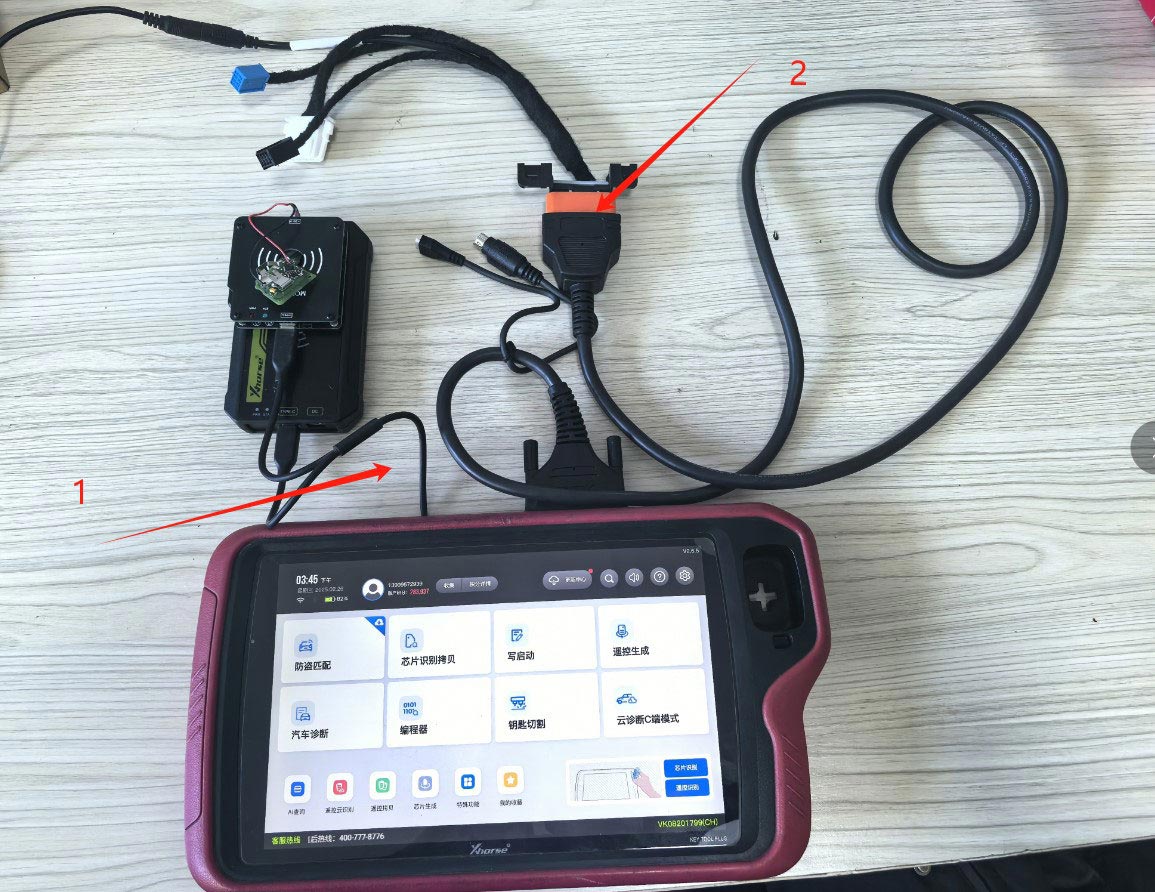
Label 1: Use a type-c splitter cable
Label 2: Tablet power quality is insufficient. For better results, connect the OBD to the vehicle or supply external power to the OBD to maintain tablet battery.
Note: Tablets with a single Type-C port have poor power stability, leading to longer collection times and lower success rates. Strongly recommend using a PC.
After successful Data Collection:
The MQB4B IMMO data will be generated. Load this data into the MQB35XX option to create and program keys.