Scorpio-LK Barracuda Key Programmer & Key Renewal Tool with 1-Year Subscription




scorpio-lk / Key Programmers
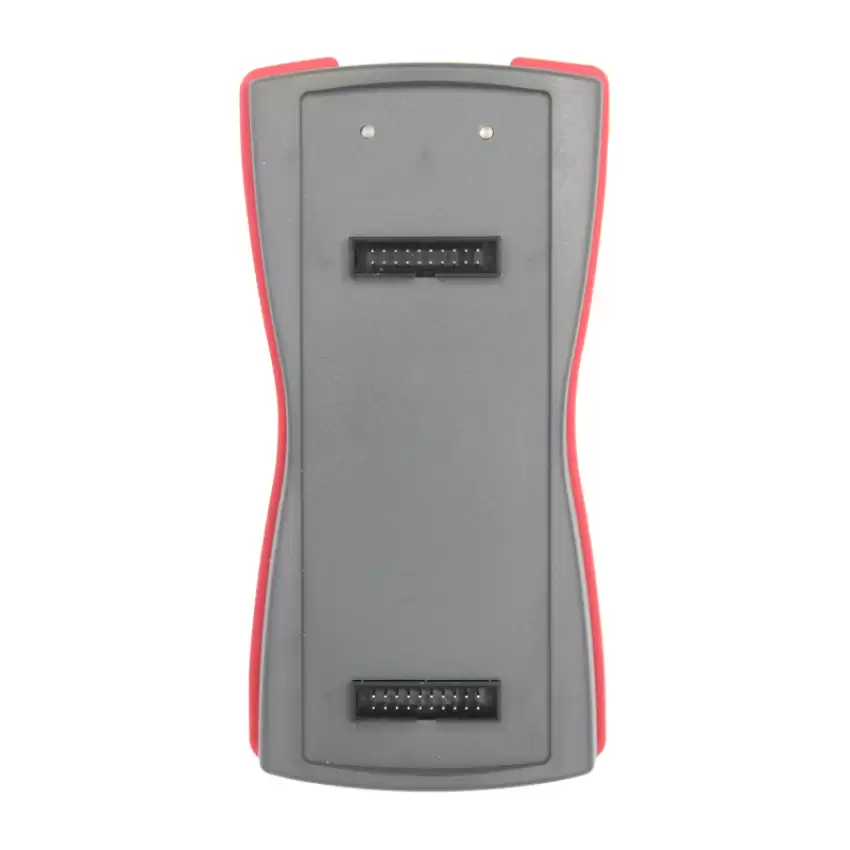
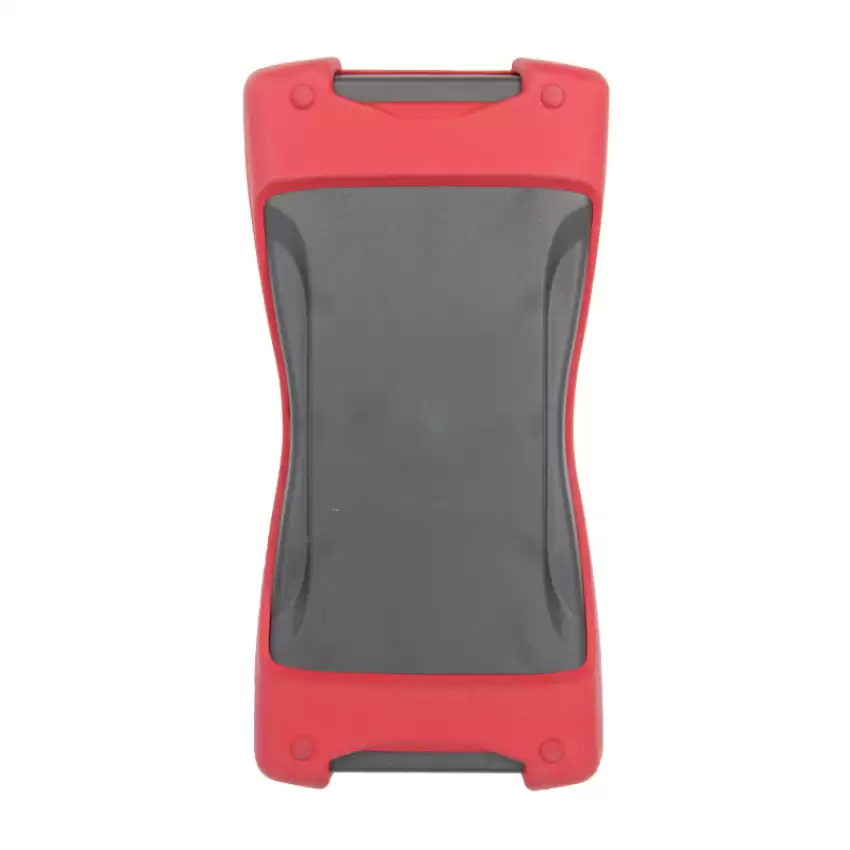
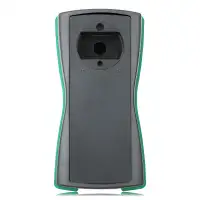
The Barracuda by Scorpio-LK is a professional programming tool built to solve complex key, immobilizer and module tasks for automotive locksmiths. It is a standalone device, and some advanced functions are designed to work together with the Scorpio-LK Tango.
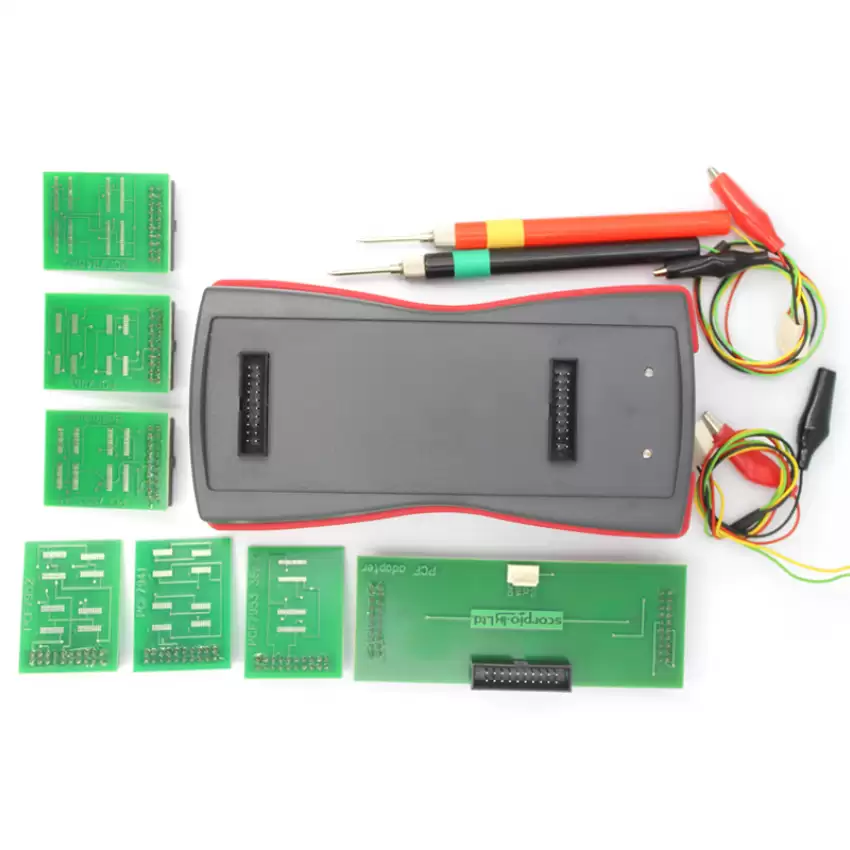
This package combines the Barracuda programmer with PCF connection leads and adapter boards for bench and in-circuit work. A Windows computer and an external power supply are required; “standalone” does not mean computer-free operation.
Includes Barracuda Base Software plus a free 1-Year Barracuda Subscription, which gives access to all Barracuda functions and features for 365 days.
HITAG Key Reset and Renewal
Barracuda supports resetting and renewing selected used HITAG-based vehicle keys. Compatibility depends on the specific key version, chip, circuit board and frequency — not simply the vehicle brand or remote part number.
Before attempting a reset, compare the key with the identification information and instructions provided for that function in Barracuda’s software. Resetting a compatible used key prepares it for reuse; it does not by itself program the key to another vehicle.
Programming Utilities
Barracuda’s utilities include read, write, erase and lock operations for supported PCF chips, including PCF7941, PCF7945, PCF7952, PCF7953 and PCF7961. Available operations and the required connection method vary by chip. Always follow the corresponding help file.
Advanced Applications
Beyond key renewal, Scorpio-LK documents applications including:
- Toyota/Lexus Smart System ID Code box reset and ESL (electronic steering lock) reset
- Subaru Smart System ESL reset
- Toyota/Lexus Tokai Rika steering angle sensor (SAS) crash-data clear — included in Base Software
- Toyota SRS service functions for supported modules
- Toyota/PSA H-immobilizer All Keys Lost (used with Tango)
- Volkswagen MQB (Johnson Controls) applications
These are application-specific capabilities, not blanket coverage for every vehicle or module. Some require additional adapters or devices. Safety-system work must follow the applicable manufacturer repair procedures.
What’s in the Box
- 1 × Barracuda programmer
- 1 × USB 2.0 A-to-B cable
- Barracuda Base Software
- 1-Year Barracuda Subscription — registration and request required
- 1 × Barracuda Lead PCF 1 — in-circuit lead with 2 crocodile clips and 2 soldering tips.
- 1 × Barracuda Lead PCF 2 — in-circuit lead with 2 crocodile clips and 2 probe needles
- 1 × Adapter PCF — in-circuit connection and expansion board
- 1 × Adapter PCF7953/45 — for soldering
- 1 × Adapter PCF7961 — for soldering
- 1 × Adapter PCF7941 — for soldering
- 1 × Adapter PCF7945AC — for soldering
- 1 × Adapter PCF7953 38-pin — for soldering
- 1 × Adapter PCF7952 — for soldering
Not included: 9–24V DC power supply (see System Requirements), Barracuda Adapter H-Immo (set) and Adapter JTAG (set). The H-Immo and JTAG adapter sets are available as separate listings on KEY4.
Included 1-Year Barracuda Subscription
Newly acquired Barracuda devices receive a free 1-year subscription upon registration and request. An active subscription gives access to all Barracuda features and functions for 365 days. All paid Barracuda functions are included in the subscription — no separate function licenses are needed.
Important: The subscription is not active out of the box. It must be requested and activated after you receive your device.
How to Request Your Included Subscription
- Register your Barracuda on the official Scorpio-LK Forum
- Contact Scorpio-LK directly with your Barracuda serial number
- Contact KEY4 with your Barracuda serial number and KEY4 order number, and we can assist with submitting the request to Scorpio-LK
Official Scorpio-LK Forum: https://forum.scorpio-lk.com/
Scorpio-LK Contact Page: https://www.scorpio-lk.com/contacts.html
Activating and Checking Your License
You will receive an archived *.lic file. Extract it, then open:
Barracuda.exe → Manager → Activate License → open the .lic file
To review installed licenses:
Barracuda.exe → Manager → View List of Active Licenses
What Happens When the Subscription Expires?
Barracuda keeps all Base Software functions after the subscription expires. Software and firmware updates remain free for all Barracuda users. Renew the subscription if you need continued access to functions marked Subscription.
Additional Equipment
Barracuda is designed to complement Scorpio-LK Tango and Orange-5, as well as a J2534 PassThru compliant OBD interface (for example, Tactrix OpenPort 2.0). Some complex functions require these devices.
Some functions also require adapters sold separately, such as the Barracuda Adapter H-Immo (set) or Adapter JTAG (set), both available as separate listings on KEY4. Every Barracuda function has PDF documentation listing exactly what it requires — check it before purchasing for a specific job.
Software Download and Installation
Download the Barracuda setup files directly from Scorpio-LK:
Official Barracuda Software Download: https://www.scorpio-lk.com/downloads-barracuda.html
Follow the manufacturer’s installation guide for software and driver setup. On Windows 7/8/10, Barracuda.exe must be set to “Run this program as Administrator” (Properties → Compatibility); otherwise the automatic update will not complete. The online update process then downloads the latest software, firmware and help files — allow it to finish without interruption.
System Requirements
Scorpio-LK’s published requirements:
- 32-bit (x86) or 64-bit (x64) Windows PC
- Windows XP/Vista (32-bit) or Windows 7/8/10 (64-bit)
- Internet connection
- USB 2.0 Type-A male to Type-B male cable (included)
- External 9–24V DC power supply with a 5 × 2.1mm center-positive plug
For Windows 11 or any configuration not listed above, confirm compatibility with Scorpio-LK before purchase.
Coverage and Documentation
Check the official Barracuda feature information for supported applications, Base Software vs. Subscription status, adapters and function-specific instructions:
Official Barracuda Features & Coverage: https://www.scorpio-lk.com/barracuda-features.html
Compatibility must be confirmed for the exact key or module — not assumed from the vehicle make alone.
Frequently Asked Questions
Does Barracuda require Tango for every function?
No. Barracuda is a standalone device. Some advanced procedures require or work together with Tango, Orange-5 or a J2534 interface.
Can Barracuda renew every used remote?
No. Renewal is limited to supported key versions. Verify the key’s identifying characteristics against the software documentation before proceeding.
What does the subscription unlock?
An active subscription gives access to all Barracuda features and functions for 365 days. Base Software functions remain available without it.
Are software updates free?
Yes. Software and firmware updates are available to all Barracuda users.
Is soldering required?
Some applications use the soldering adapters; others use the in-circuit leads and PCF adapter. Follow the instructions for the specific application.
Are the USB cable and power supply included?
The USB 2.0 A-to-B cable is included. The power supply is not included — Barracuda requires a 9–24V DC power supply with a 5.5 × 2.1mm center-positive plug.
Professional Use
Intended for trained automotive locksmiths and technicians. Use only on keys, vehicles and electronic modules you are authorized to service.
Short Notice Near Add to Cart
Includes free 1-Year Barracuda Subscription and PCF Adapter Set. Subscription must be requested after purchase. Base Software remains available after expiration. USB cable included; power supply not included. Some functions require additional equipment.